Installing the Android Player
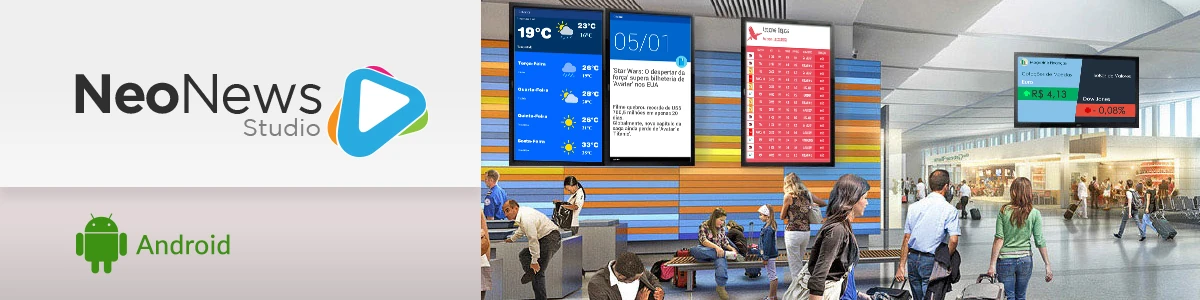
The Neonews Player for Android allows Studio content to be displayed on Android TV devices, TV Boxes, and compatible equipment.
Installation
- Open the Play Store on the device.
- Search for
Neonews Player. - Install the app.
- Open the app and finish the setup with your Studio credentials.
Configuration
On the first run, you will need to enter the user name, password, and select the terminal linked to the device.
What to check
- internet connection;
- unknown sources enabled when necessary;
- correct terminal identification;
- campaign and schedule already created in Studio.