Installing the Windows Player
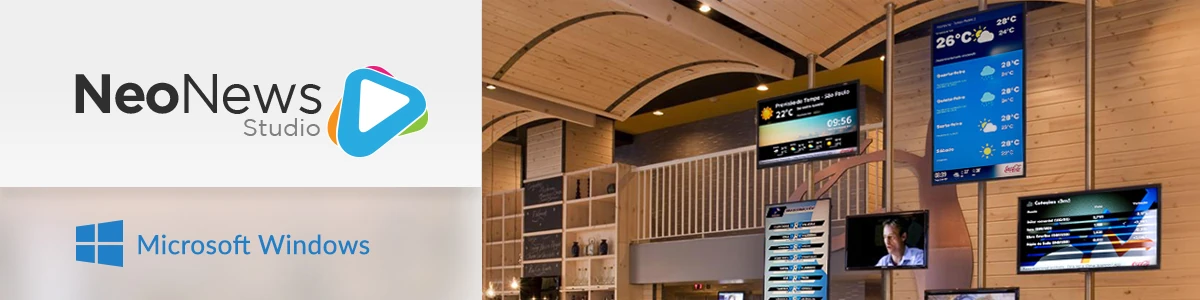
The Neonews Player for Windows is the application responsible for displaying the schedule sent by Studio on the computer connected to the TV.
Installation summary
- Download the installer from Studio.
- Run the installer on the computer that will act as the player.
- Choose the installation type according to the scenario.
- Finish the installation and adjust folder permissions if necessary.
Installation types
- Tests or Advertiser: ideal for regular use and validation.
- Custom: allows you to choose additional components.
- Final Deployment: intended for equipment that will be dedicated to playback. Never use this option on shared equipment.
After installation
After installation, the player begins communicating with Studio to receive campaigns and schedules.